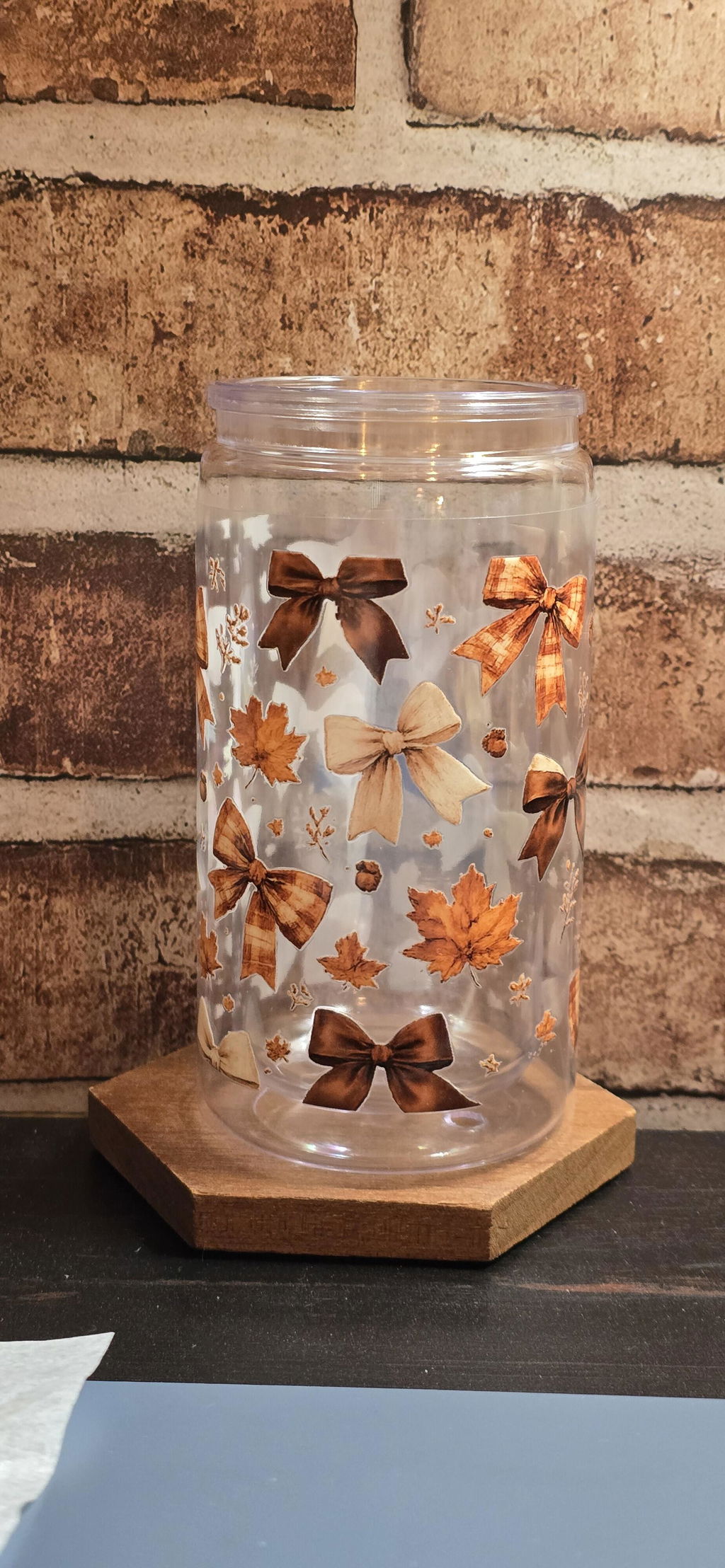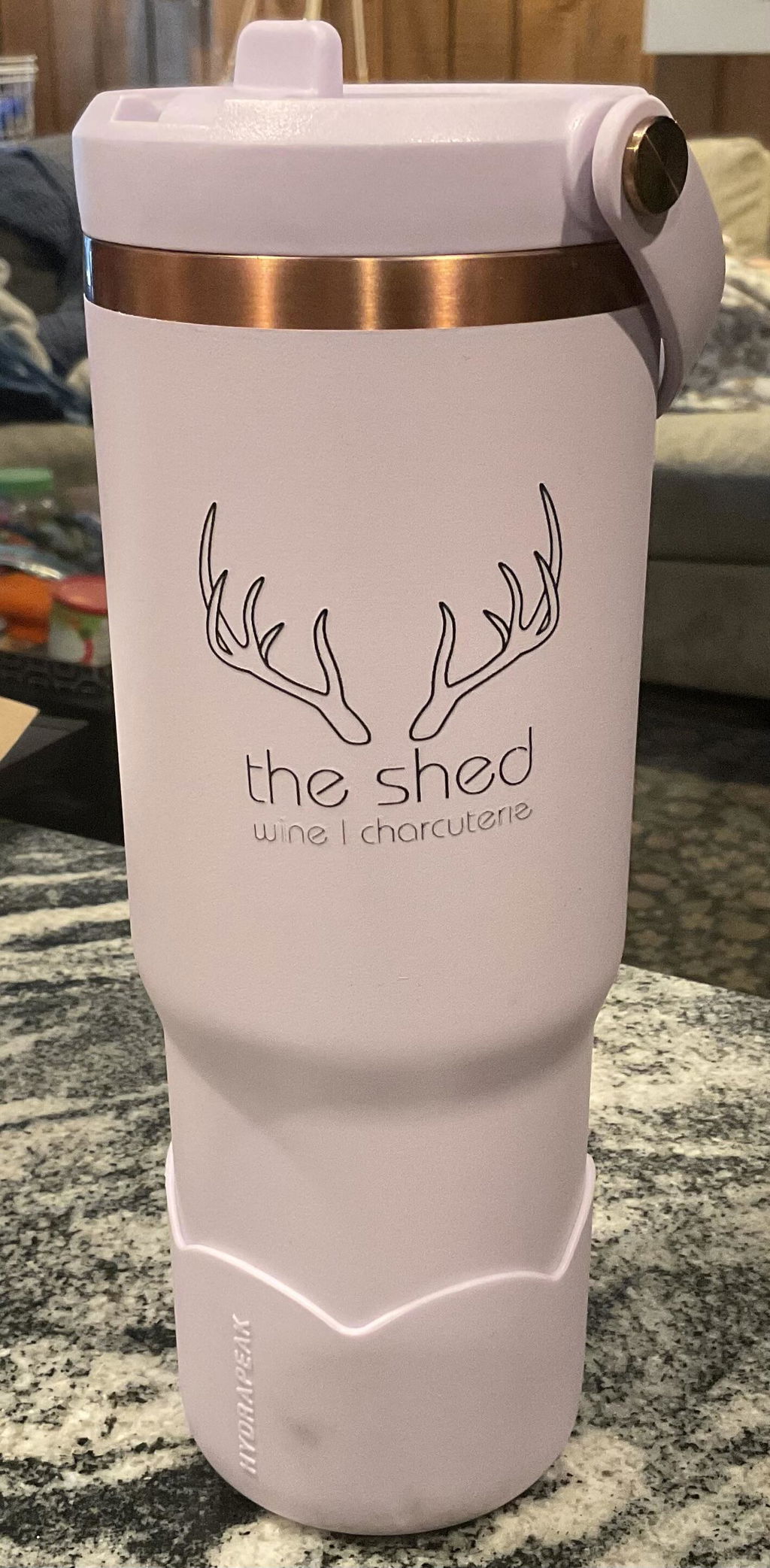

Choose your sheet.
Select the length that suits your designs. Quantity is the number of copies of your sheet.
Your designs. Your hardgoods. One sheet.
More designs per sheet. No heat required.
Mix your artwork on one 22-inch-wide sheet for compatible hard, smooth surfaces. We print it; you apply it without heat.
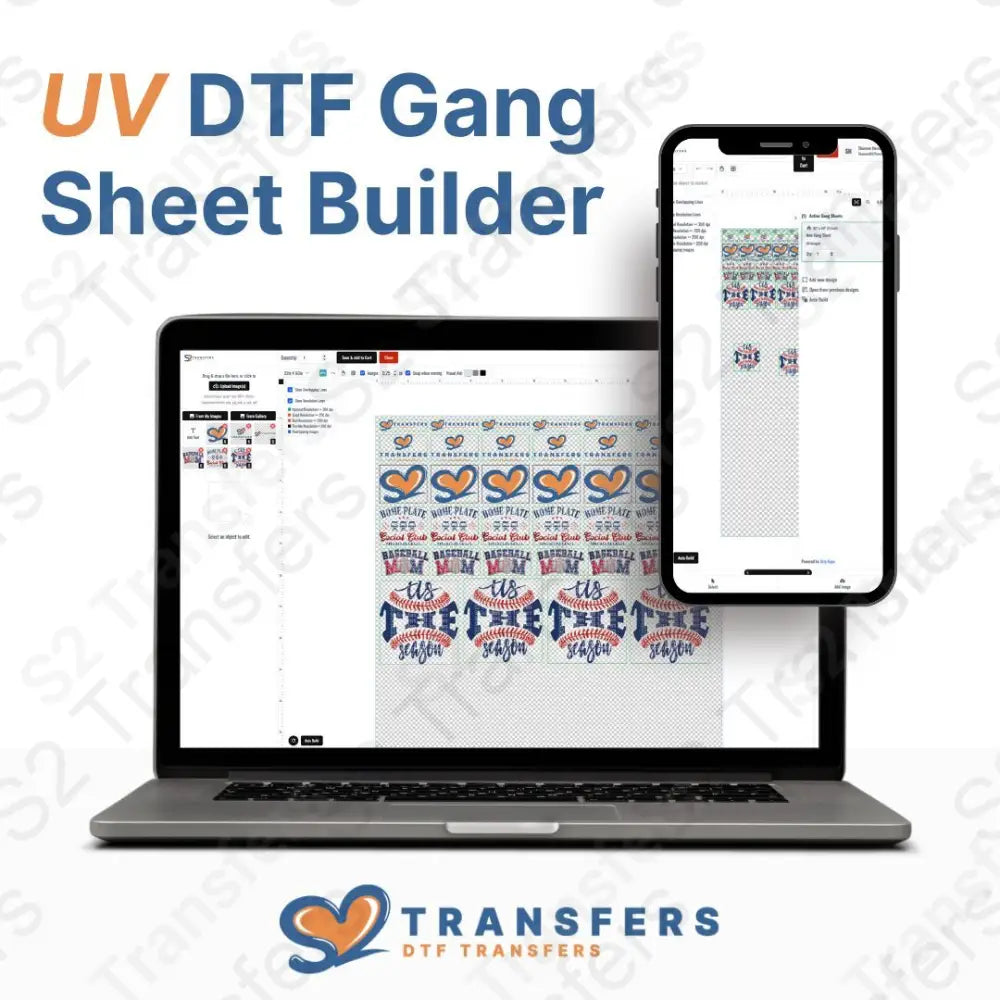
Your artwork, printed as UV DTF transfers. Cups, tumblers and other blanks are not included.
Combine cup designs, brand logos and small details. Set the size of each design and make the most of your sheet.
More designs. Better use of every inch.
A UV DTF gang sheet combines multiple adhesive designs on one sheet of carrier film. Cut designs apart, then transfer them to compatible hard, smooth surfaces without heat.
You pay for the sheet. Filling it efficiently lowers your average cost per design.
Layout illustration only. Actual capacity depends on artwork dimensions, spacing and arrangement.
Larger sheets. Lower price per inch.
Our 10-foot sheet is about 11% less per square inch than our 1-foot sheet at current prices. Before shipping and tax.
Choose a sheet you can use well. A bigger sheet with lots of empty space isn’t always the best fit.
Choose your sheet size| Sheet size | Sheet price | Per linear foot |
|---|---|---|
| 22" x 12" (1 Foot) | $12.99 | $12.99 |
| 22" x 24" (2 Feet) | $24.99 | $12.50 |
| 22" x 36" (3 Feet) | $36.99 | $12.33 |
| 22" x 48" (4 Feet) | $48.99 | $12.25 |
| 22" x 60" (5 Feet) | $60.99 | $12.20 |
| 22" x 84" (7 Feet) | $84.99 | $12.14 |
| 22" x 120" (10 Feet) | $114.99 | $11.50 |
All sheets are 22 inches wide. Prices update from this product’s current variants. Individual design counts depend on size and spacing.
From your files to your next batch

The builder helps you arrange individual artwork without preparing a complete sheet in separate design software. Start with one design or bring a whole collection.
Select the length that suits your designs. Quantity is the number of copies of your sheet.
Set your artwork sizes and quantities. Use Auto Build or arrange your layout in the editor.
Check dimensions, spacing, backgrounds and resolution before saving your sheet to the cart.
Complete checkout on our site. We print your transfers; you apply them to your compatible blanks.
General S2 Transfers builder walkthrough, not UV application instructions. Follow the current controls in your editor if their appearance differs.
Your artwork, working harder
Bring your brand to cups, packaging and more. Combine different artwork sizes without placing a separate order for every design.
Mix logos, names and decorative artwork for gifts, market products or your small business.
Add small logos beside larger graphics. Keep enough room to cut each design apart and position it neatly.
Start with one sheet or order copies of the same layout. Quantity on this page means complete sheets, not individual stickers.
No heat press. Careful preparation.
UV DTF uses adhesive to transfer your design onto a compatible surface. It is different from fabric DTF and does not use a heat press.
Glass, metal, acrylic, rigid plastic and finished wood can be suitable. Coatings, texture, tight curves and surface condition affect adhesion—test your exact blank.
Clean and dry the surface using a method suitable for its finish. Remove the backing, position the transfer, rub firmly and slowly peel away the carrier. If a detail lifts, lay the carrier back down and rub again.
Handwash gently. Avoid soaking and abrasive cleaning. Follow the instructions supplied with your transfers and blank, including any waiting period before use or washing. Dishwasher and microwave compatibility are not guaranteed.
A little preparation goes a long way
Prepare each design at the size you want on your finished blank. You control the layout; we print the sheet you submit.
A transparent PNG at 300 DPI at the final print size is preferred. Enlarging a small image won’t add detail. Do not mirror your artwork.
Leave space to cut between designs and keep artwork inside the sheet boundary. Check the artboard and image margins in Auto Build.
Check spelling, individual dimensions, backgrounds and any quality warnings. Make sure every design looks how you want it printed.
From artwork to something worth sharing
Real experiences from the S2 Transfers community. Related-product reviews are identified in the review widget.
I absolutely love the UV DTF Transfers and they worked perfectly for my project.
I have used S2 on multiple occasions and I have always received quality materials. I think the price point is so affordable for how great the product is.
I’m very happy with the gang sheet I ordered from S2 Transfers! The print quality came out great, and the colors were bright, clear, and vibrant. All of my designs looked sharp and had excellent detail. The transfers were easy to work with and pressed beautifully onto my projects.
I also really liked being able to put several different designs onto one gang sheet. It makes it much more affordable and convenient, especially when I’m working on several different craft projects at once. Everything arrived looking professional and exactly as I expected.
I will definitely be ordering more gang sheets from S2 Transfers. Great quality, great results, and a great option for anyone who needs DTF transfers. Highly recommend!
Great product, vibrant colors, and fantastic customer service. An absolute gem to do business with. Looking forward to ordering more. Thank you S2 transfers for helping me grow my business through yours.
I got a sheet of stickers and they were great with helping me! The sticker printer was on hold because of waiting for a part, so they offered to make these ones for me. I love these kinds of stickers, they are great for water bottles!
Fast turnaround. Great product
Fast turn around and great product
The best in quality! I like it!
I love this company. Their products always lookawesome and the orders are completed in a very short amount of time. They deserve 10 stars not just 5🤠
I am so impressed with S2Transfers! As a small business owner, reliable vendors make all the difference, and their customer service and turnaround time are top notch. Orders are processed quickly, communication is excellent, and the quality of the transfers has been consistently amazing. So, so, so grateful to have found a company I can count on!
Great quality
Great product
Love the product! The colors are vibrant and easy to work with.
Excellent company! The products are beautiful. Have ordered several times and will be ordering from them again.
Perfect as usual!!!
I love ordering UVDTF from S2. TAT is fast ans quality is great. Very happy with this company with all orders
The right transfer for your project
This builder is for arranging your own artwork. If you prefer another route, start here.
Upload your artwork and choose its size without arranging a gang sheet.
Order UV stickers by sizeBrowse ready-made UV sticker sheets and wraps for your next project.
Shop ready-to-stick UV designsUse our fabric DTF gang sheet builder for transfers applied to compatible garments with heat and pressure.
Build a fabric DTF gang sheetA little know-how goes a long way
Know what to upload, what you are ordering and where your transfers can go.
You might also like
No artwork to upload? Choose a sheet of ready-made UV designs for compatible hard surfaces.
Premade artwork, sold separately from your custom transfers.

More of your artwork. More of what you love.
Bring your logos and ideas together. Build your UV DTF gang sheet, review the details, and let S2 Transfers handle the printing.