
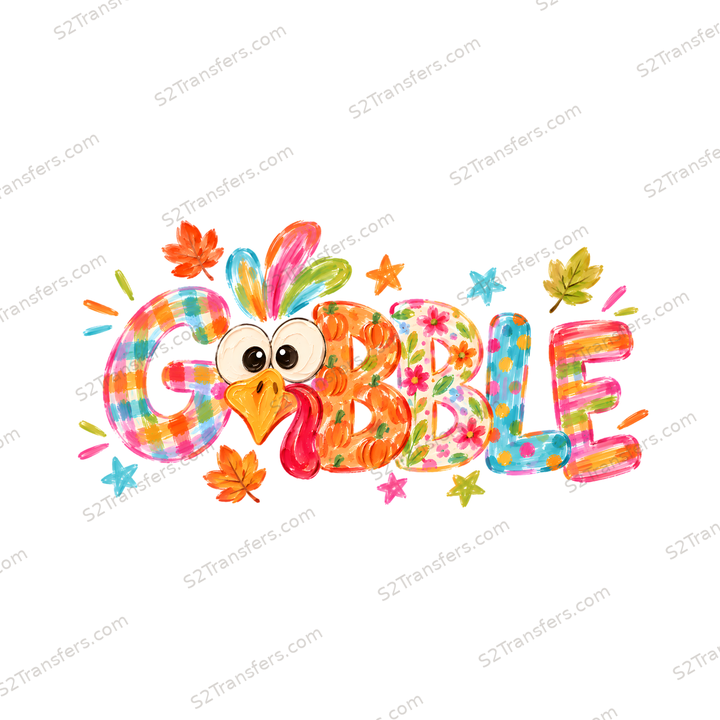
Fabric DTF transfer
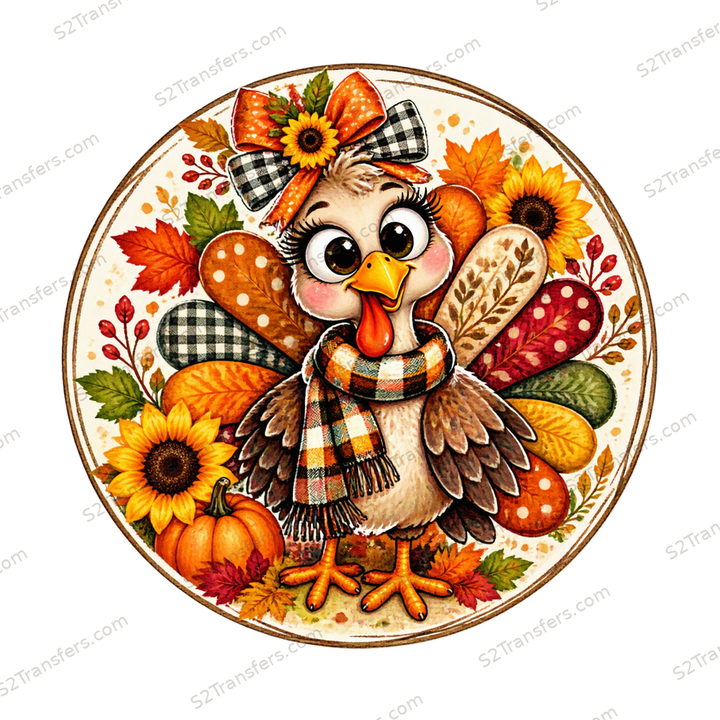
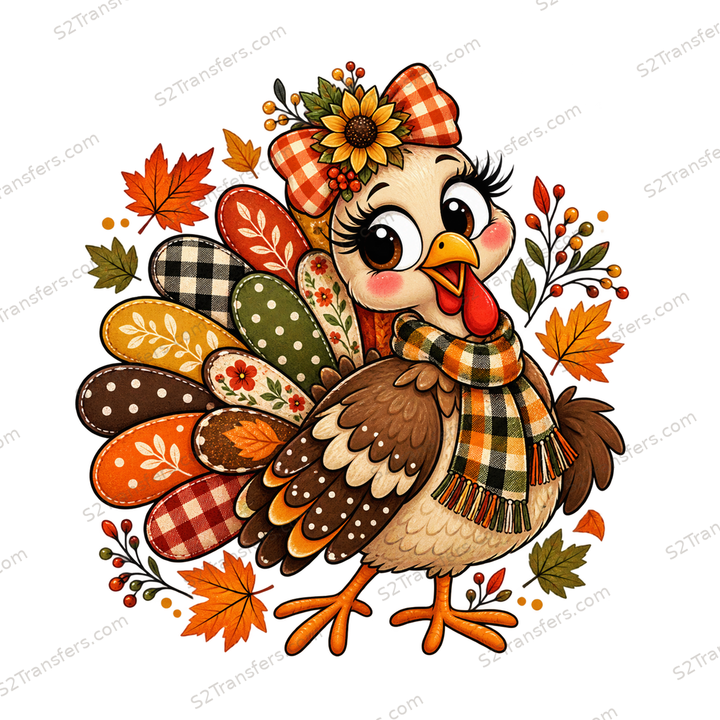
Colorful Gobble Turkey Patchwork Letters - DTF Transfer
From $1.97
Choose optionsFind your next favorite
From $1.97
Choose optionsFrom $1.97
Choose options Christmas
 Halloween
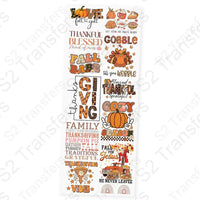 Thanksgiving
 Easter
 4th of July
 Mothers Day
 Memorial Day
 Veterans Day
 Animals
 Asthma Awareness
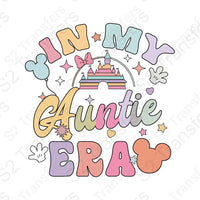






















































 Aunt
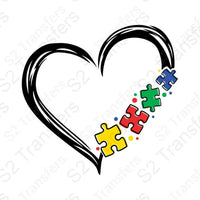
Autism Awareness
Awareness
Band
Baseball
Basketball
Beach
Books
Bow
Breast Cancer Awareness
Bride
Camping/Lake
Careers
Cheerleading
Cherry
Childhood Awareness
Childhood Cancer
Christian
Christmas Baking Collection
Cinco De Mayo
Dads
Dance
Dogs
DTF Numbers
EMT
Fall
Family
Fathers Day
Faux
Faux Embroidery
Faux Glitter
Faux Sequins
Faux Yarn
Firefighter
First Responders
Football
Frenchie
Friends
Funny
Gaming
Gigi
Grade Levels
Graduate
Grandma
Grandpa
Hockey
Holidays
Home page
Hunting/Fishing
Inspirational
Lacrosse
Mardi Gras
Mawmaw
Military
Mimi
Moms
Mystery
Nana
New Years
Nurse
Off Road
Patient Access
Patriotic
Pickleball
Political
Professions
School
Seasons
Senior
Sister
Soccer
Softball
Sports
St. Patricks Day
Summer
Swiftie
Teacher
Uncle
Valentines Day
Volleyball
Western
Aunt
Autism Awareness
Awareness
Band
Baseball
Basketball
Beach
Books
Bow
Breast Cancer Awareness
Bride
Camping/Lake
Careers
Cheerleading
Cherry
Childhood Awareness
Childhood Cancer
Christian
Christmas Baking Collection
Cinco De Mayo
Dads
Dance
Dogs
DTF Numbers
EMT
Fall
Family
Fathers Day
Faux
Faux Embroidery
Faux Glitter
Faux Sequins
Faux Yarn
Firefighter
First Responders
Football
Frenchie
Friends
Funny
Gaming
Gigi
Grade Levels
Graduate
Grandma
Grandpa
Hockey
Holidays
Home page
Hunting/Fishing
Inspirational
Lacrosse
Mardi Gras
Mawmaw
Military
Mimi
Moms
Mystery
Nana
New Years
Nurse
Off Road
Patient Access
Patriotic
Pickleball
Political
Professions
School
Seasons
Senior
Sister
Soccer
Softball
Sports
St. Patricks Day
Summer
Swiftie
Teacher
Uncle
Valentines Day
Volleyball
Western

A little help from Buddy
Measure the placement area before choosing a transfer size. A design that suits an adult tee may need a smaller size for a child’s shirt.
Browse our selection of ready to press transfers. You can order by size. The size is the longest side of the transfer. It the design is wide, the width is the size. If the design is taller, the height will determine the size. Just order, press, peel, and profit.
Made for your next idea
Choose a design that fits your next idea. Check the format, dimensions and application details before ordering.
Shop Ready to PressPick artwork for your next shirt, tote or other compatible fabric project.
Check the available sizes and measure the placement area before ordering.
Your design arrives printed. Apply it to a compatible blank using the current S2T pressing instructions.
A little know-how goes a long way
Find your design. Feel ready to make it.
Ask the S2T team (opens in a new tab)Something only you could make
Upload your artwork or arrange designs on a gang sheet. We take care of the printing.