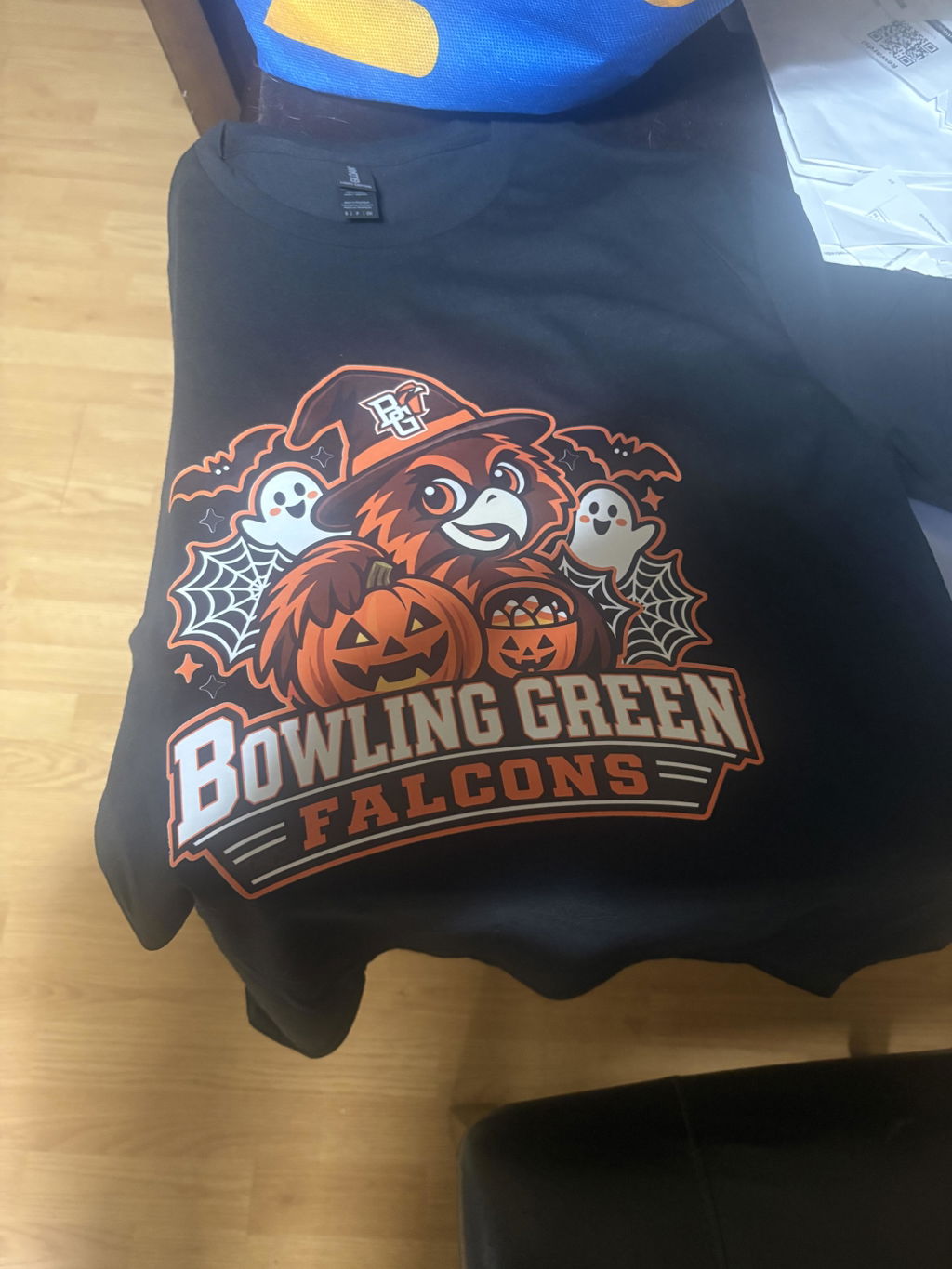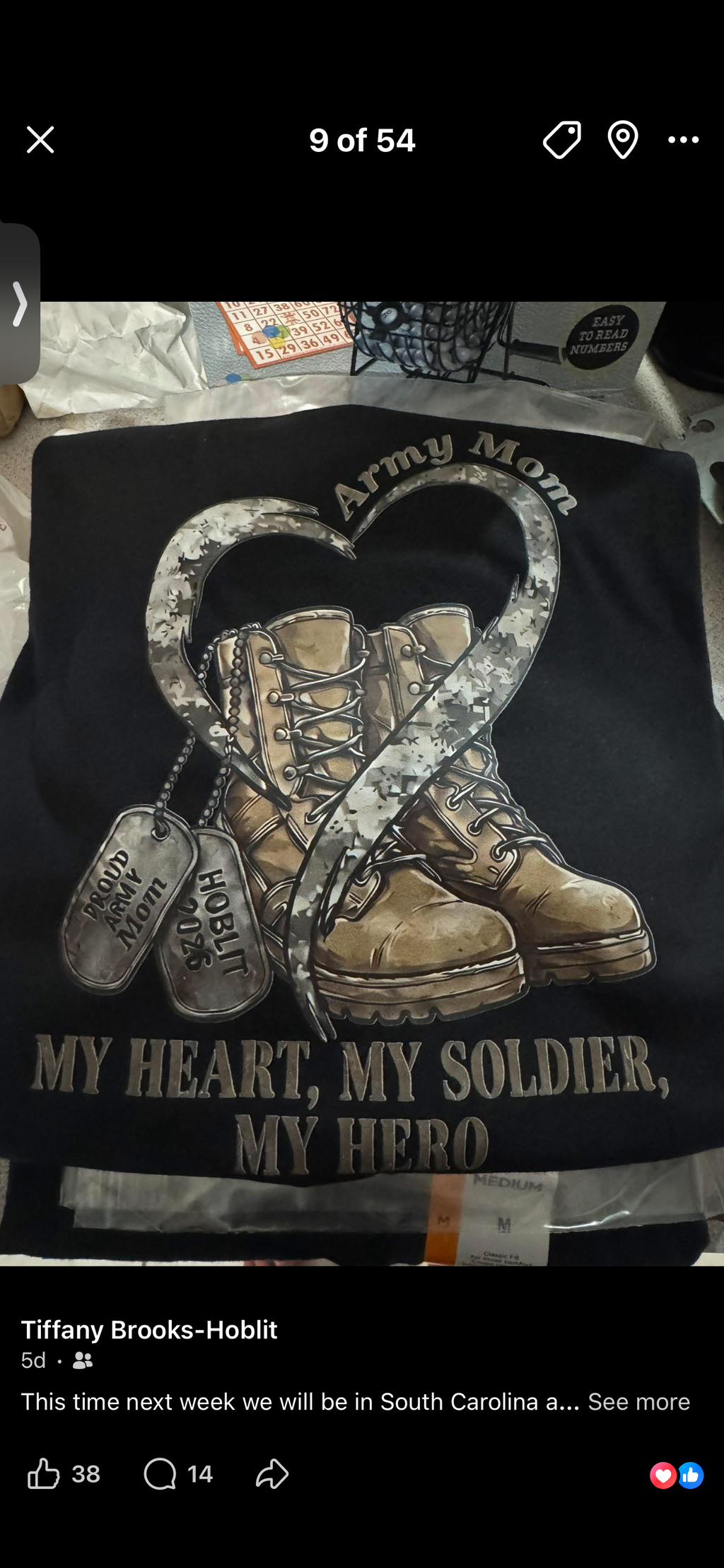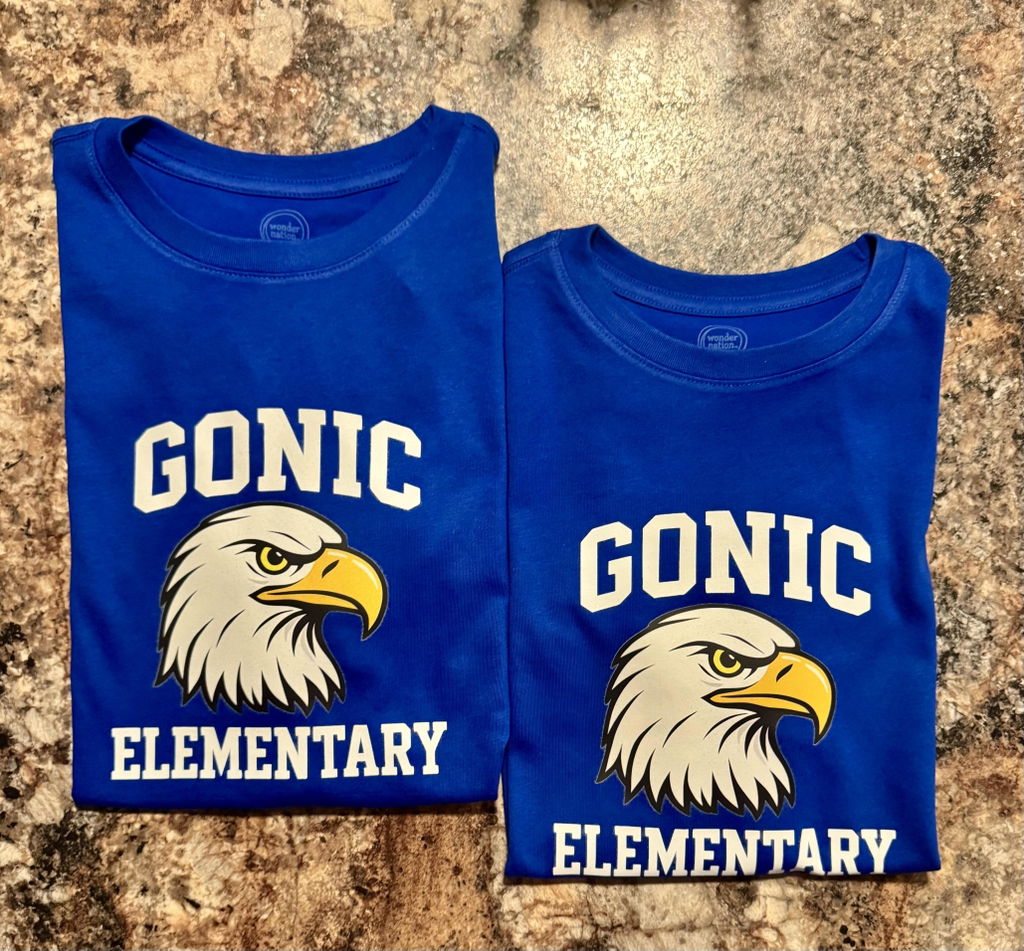

Skip the sheet layout.
No arranging artwork on a gang sheet. Upload an individual design and choose the dimensions you need.
Custom artwork. Made for your next idea.
Your artwork. Your size. Ready to press.
Upload your artwork, choose your transfer size and quantity, and let S2 Transfers handle the printing. No gang-sheet layout needed.

Printed transfers for your artwork. Apparel and pressing equipment are not included.
Choose the dimensions for each design. We arrange your transfers for printing.
Combine transfers in your cart to reach the bulk-discount tiers below. Combined-design savings apply in your cart.
Use a transparent, high-resolution image—300 DPI at the size you want to print. PNG is preferred. Do not mirror your artwork. Review both displayed dimensions after uploading.
A simpler way to order custom transfers
DTF transfers by size are your custom designs printed on transfer film at the dimensions you order. You supply the artwork; we print the transfers for you to apply with heat and pressure.
No arranging artwork on a gang sheet. Upload an individual design and choose the dimensions you need.
A pocket logo, a full-front design, or a mix for the whole team. Start with just one transfer.
Different designs and sizes count together toward your bulk discount. Plan your next batch in one cart.
Built for one idea—or a whole business
Combine different designs and sizes in your cart. For example, 10 front designs and 5 pocket designs add up to 15 transfers toward your discount.
Bring a few projects together.
Get ready for your next event.
Build your next collection.
Make more of your next big idea.
A little measuring goes a long way
Measure the area you want the design to cover. Check both width and height after uploading, and leave room around seams, pockets and garment edges.
For a 10″ wide × 6″ high design, check that both dimensions match your intended print. Measure the space on your garment before ordering.
Placement illustration only. Your own artwork determines the proportions.
From file to finished project
Choose your artwork, dimensions and quantity. We handle the printing so you can focus on what you want to make.
Upload your artwork and confirm its preview. Review both dimensions and your quantity before adding it to the cart.
Your order is for physical printed transfers. There is no sheet layout for you to create and no DTF printer to buy.
Apply each transfer to a compatible garment using the correct heat, time and pressure for your equipment.
Before you order
A few quick checks help your artwork print the way you intend.
A transparent PNG is preferred. Aim for 300 DPI at your intended print size and do not mirror the design. Enlarging a small image will not add detail.
Review the app’s width and height after the upload is complete. Use the placement guide to check the space on your garment.
Use the current instructions for your press and fabric. Test an unfamiliar garment before making a full batch.
From artwork to something worth sharing
Real experiences from the S2 Transfers community. Related-product reviews are identified in the review widget.
I loved the images and the sizing was on point. I made them for my daughter and her girlfriends at college. They loved them!!
Always great designs! I absolutely love them!
Love this company. I have used multiple times and they will continue to keep getting my business. They have also helped me learn more about designing and building the perfect image to use!! Customer service is TOP NOTCH!!!!!
These are seriously the best transfers ever!
Love the service and quality. I feel like I have friends in the store!
Fast and reliable with great quality! The local go-to DTF transfer spot!
I am impressed with this company. They are so accommodating and have exceptional customer service. They are easier to work with than similar companies in our local community. I have called them with questions in which they were eager to assist me. They even noticed that I had errors on one of my artworks and called me so we could fix the error before it was printed. I will forever promote this company.
Awesome turn around after ordering! Fast, easy, and quality work! Will definitely be our go-to for any transfers from now on!
I cannot wait to take the pictures of us in the shirts. The transfers worked out great and they look just as pictured!
Loved all of the transfers I received!
Always Rrives promptly and is packaged well
Got our custom tranfers for my grandson’s birthday and they are so vibrnat and went on the shirts so nicely! Love them always such great quality
Great picture
Great job
Absolutely satisfied
Love ordering these when I do not need to create a whole gang sheet. Very easy to just pick the size I need and upload the image. perfect!
Color was amazing and transferred seamlessly!
Everything that I have ordered are always beautiful. The colors are amazing!
They look so good! I was so glad that you worked with me on removing the palm tree since AZ doesn't have them by the lakes. Made for a good yearly reunion shirt. Thank you
They look amazing. Great quality and bright colors.
Great product and service! Would recommend to others.
Perfect
A little know-how goes a long way
Get ready for your first design—or your next batch.
You might also like
The artwork is already arranged. Choose a sheet for your next batch.
Premade artwork, sold separately from your custom transfers.
For the teams. The gift makers. The next big idea.
Choose your size, bring your designs together, and let us handle the printing.